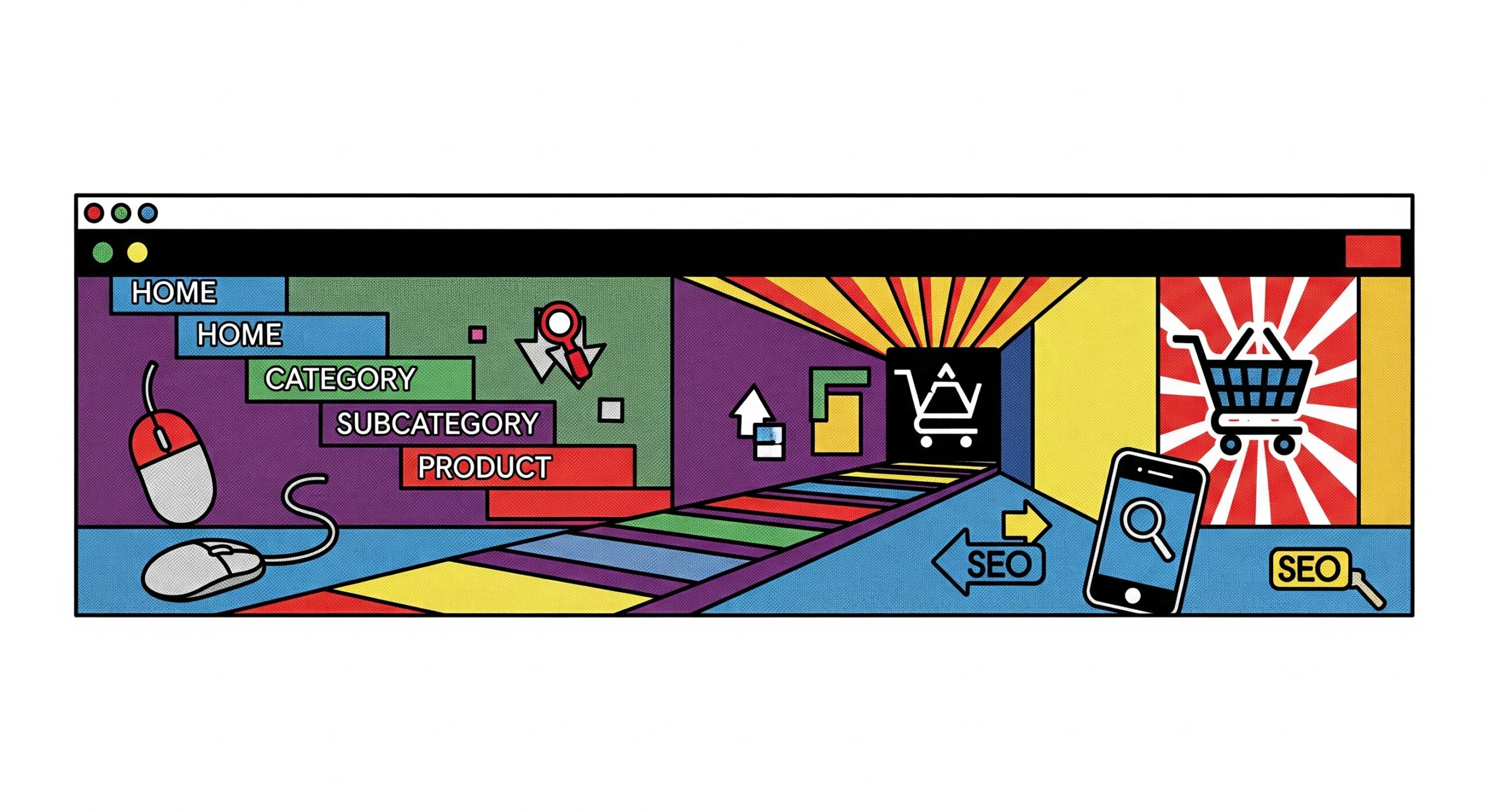
Most ecommerce sites treat breadcrumbs like an afterthought – those tiny navigation links sitting above product titles that nobody seems to click. Here’s the thing though: Google absolutely loves them. A properly configured breadcrumb trail can be the difference between ranking on page one and getting lost in the search results abyss. The real kicker? Setting them up wrong can actually tank your rankings faster than a site-wide 404 error.
Essential Breadcrumb Implementation Strategies for Ecommerce SEO
Getting breadcrumbs right means understanding that they’re not just navigation aids – they’re powerful SEO signals that tell search engines exactly how your site is structured. Think of them as the GPS coordinates for your content hierarchy. When done correctly, they create a clear pathway that both users and search crawlers can follow from your homepage all the way down to that specific red widget in aisle 47.
1. Schema Markup Configuration
Schema markup for breadcrumbs is where most stores stumble right out of the gate. You need BreadcrumbList structured data that explicitly tells Google what each level means and how they connect. The markup should include position indicators and proper item URLs for each level. Skip this step and you’re basically hoping Google figures it out on its own.
Here’s what drives me crazy – stores spending thousands on SEO audits while their breadcrumb schema throws validation errors. The fix takes maybe 20 minutes. Use JSON-LD format (not microdata), test it in Google’s Rich Results Test tool, and make sure every single breadcrumb trail validates cleanly. No exceptions.
2. Hierarchical URL Structure
Your URLs and breadcrumbs need to speak the same language. If your breadcrumb shows Home > Electronics > Laptops > Gaming Laptops, but your URL is yoursite.com/p12345, you’ve created a disconnect that confuses both users and search engines. The URL should mirror the breadcrumb path: yoursite.com/electronics/laptops/gaming-laptops/.
But what about those product URLs that live in multiple categories? Pick a primary category path and stick with it. Use canonical tags to point duplicate paths back to your chosen primary. This prevents the dreaded duplicate content issues while maintaining a clean hierarchy.
3. Category Path Optimization
Category paths in breadcrumbs should follow user intent, not your internal taxonomy. Nobody searches for “Products > Category Level 1 > Subcategory 2B > Item.” They search for “mens running shoes” or “wireless gaming headphones.” Your breadcrumb text needs to match these natural search patterns.
Keep paths between 3-5 levels deep. Anything shorter lacks context. Anything longer becomes overwhelming. The sweet spot for most ecommerce stores sits at exactly 4 levels: Home > Department > Category > Subcategory. This gives enough context without creating those endless breadcrumb trails that wrap onto multiple lines.
4. Mobile Breadcrumb Display
Mobile breadcrumbs require a completely different approach than desktop. You can’t just shrink them down and call it responsive design. On mobile, show only the immediate parent category plus a “…” indicator for deeper levels. Users can tap to expand if needed, but the default view stays clean and scannable.
Consider this: 67% of ecommerce traffic now comes from mobile devices, yet most stores still optimize breadcrumbs for desktop first. Flip that priority. Design for mobile, then enhance for desktop. Use horizontal scrolling for longer paths on mobile – it’s more intuitive than truncation.
5. Product Variant Handling
Product variants throw a wrench into clean breadcrumb structures. Should a blue XL t-shirt have a different breadcrumb than the red small version? Absolutely not. All variants should share the same breadcrumb path, pointing to the parent product category. Use other on-page elements to indicate variant selection.
The trap here is creating separate breadcrumb paths for each color and size and style combination. Suddenly you’ve got 50 different paths for what’s essentially the same product. Google sees this as thin content multiplication. Keep variants unified under a single breadcrumb structure.
Critical Mistakes That Damage Breadcrumb SEO Performance
Even experienced developers make these breadcrumb mistakes, and they’re absolutely brutal for SEO performance. The worst part? Most of these issues fly under the radar until you notice your organic traffic dropping off a cliff.
Duplicate Path Issues
Duplicate breadcrumb paths happen when the same product appears in multiple categories without proper canonical setup. Picture this: a camping tent that shows up under Outdoor Gear > Camping > Tents and also under Sports > Camping Equipment > Shelters. Now you’ve got two competing breadcrumb paths fighting for the same keyword rankings.
The solution isn’t picking one path and deleting the other. Use dynamic breadcrumbs that adapt based on the user’s navigation path, but always maintain a primary canonical breadcrumb for SEO purposes. Set this at the product level and enforce it consistently across your entire catalog.
JavaScript Rendering Problems
Here’s where things get technically messy. Breadcrumbs rendered entirely through JavaScript often don’t get properly indexed by search engines. Sure, Google can execute JavaScript now, but why make their job harder? You want those breadcrumb links in the initial HTML response.
Test this yourself – disable JavaScript and reload your product pages. Can you still see the breadcrumbs? If not, you’ve got a problem. The fix involves server-side rendering or progressive enhancement. Load the basic breadcrumb structure in HTML, then enhance with JavaScript for interactive features.
Incorrect Anchor Text Usage
Breadcrumb anchor text should be descriptive but concise. “Click here” or “Back to previous” tells search engines nothing. Neither does stuffing every breadcrumb link with your target keyword. You want natural, category-appropriate text that matches user search intent.
“The breadcrumb anchor text is literally free internal linking opportunities that most stores completely waste on generic labels.”
Also avoid using the same anchor text for different destination pages. If “Shoes” points to both /mens-shoes and /womens-shoes in different breadcrumb trails, you’re diluting the link equity and confusing search engines about which page to rank.
Missing Homepage Links
This one’s embarrassingly common – breadcrumbs that start with the category instead of the homepage. Every breadcrumb trail should begin with a clear link back to your homepage, typically labeled “Home” or your brand name. This creates a complete navigation path and passes link equity back to your most important page.
Some stores skip the homepage link to save space, especially on mobile. Big mistake. That homepage link in every breadcrumb is a powerful SEO signal that reinforces your site hierarchy. It’s like having thousands of internal links pointing back to your homepage with perfect contextual placement.
Conclusion
Breadcrumb navigation for ecommerce isn’t just about helping users find their way back – it’s a fundamental SEO element that directly impacts your rankings and click-through rates. Get the technical implementation right with proper schema markup and hierarchical URLs. Avoid the common pitfalls like duplicate paths and JavaScript rendering issues. Most importantly, remember that breadcrumbs serve both users and search engines equally.
The stores crushing it with breadcrumb ecommerce SEO aren’t doing anything magical. They’re just executing the basics flawlessly while their competitors overlook these “minor” details. Start with schema markup validation, fix your URL structure to match your breadcrumbs, and ensure everything renders properly on mobile. These changes alone can deliver measurable ranking improvements within 30-45 days.
Frequently Asked Questions
Should breadcrumbs match URL structure exactly?
Ideally yes, but it’s not mandatory. Your URL structure and breadcrumbs should align conceptually, showing the same hierarchy. However, URLs might use slugs while breadcrumbs use full category names. The key is maintaining consistent parent-child relationships in both.
How many breadcrumb levels are optimal for SEO?
Three to five levels work best. This typically translates to: Home > Department > Category > Subcategory > Product. Fewer levels lack context for SEO, while more than five levels create unnecessarily complex site architecture that dilutes link equity.
Can multiple breadcrumb paths hurt SEO rankings?
Yes, if implemented incorrectly. Multiple paths to the same product can create duplicate content issues. Always designate a primary breadcrumb path using canonical tags, even if you display different paths based on user navigation.
Do breadcrumbs affect Core Web Vitals scores?
Indirectly, yes. Poorly implemented breadcrumbs (especially JavaScript-heavy ones) can increase Cumulative Layout Shift and delay First Contentful Paint. Static HTML breadcrumbs with minimal styling have virtually zero impact on Core Web Vitals.
Which breadcrumb plugin works best for WooCommerce?
Skip the plugins entirely if possible. WooCommerce has built-in breadcrumb functionality that works fine with proper configuration. If you must use a plugin, Rank Math or Yoast SEO both handle breadcrumb schema markup correctly. Just don’t install multiple plugins that might conflict with each other.

Ridam Khare is an SEO strategist with 7+ years of experience specializing in AI-driven content creation. He helps businesses scale high-quality blogs that rank, engage, and convert.