
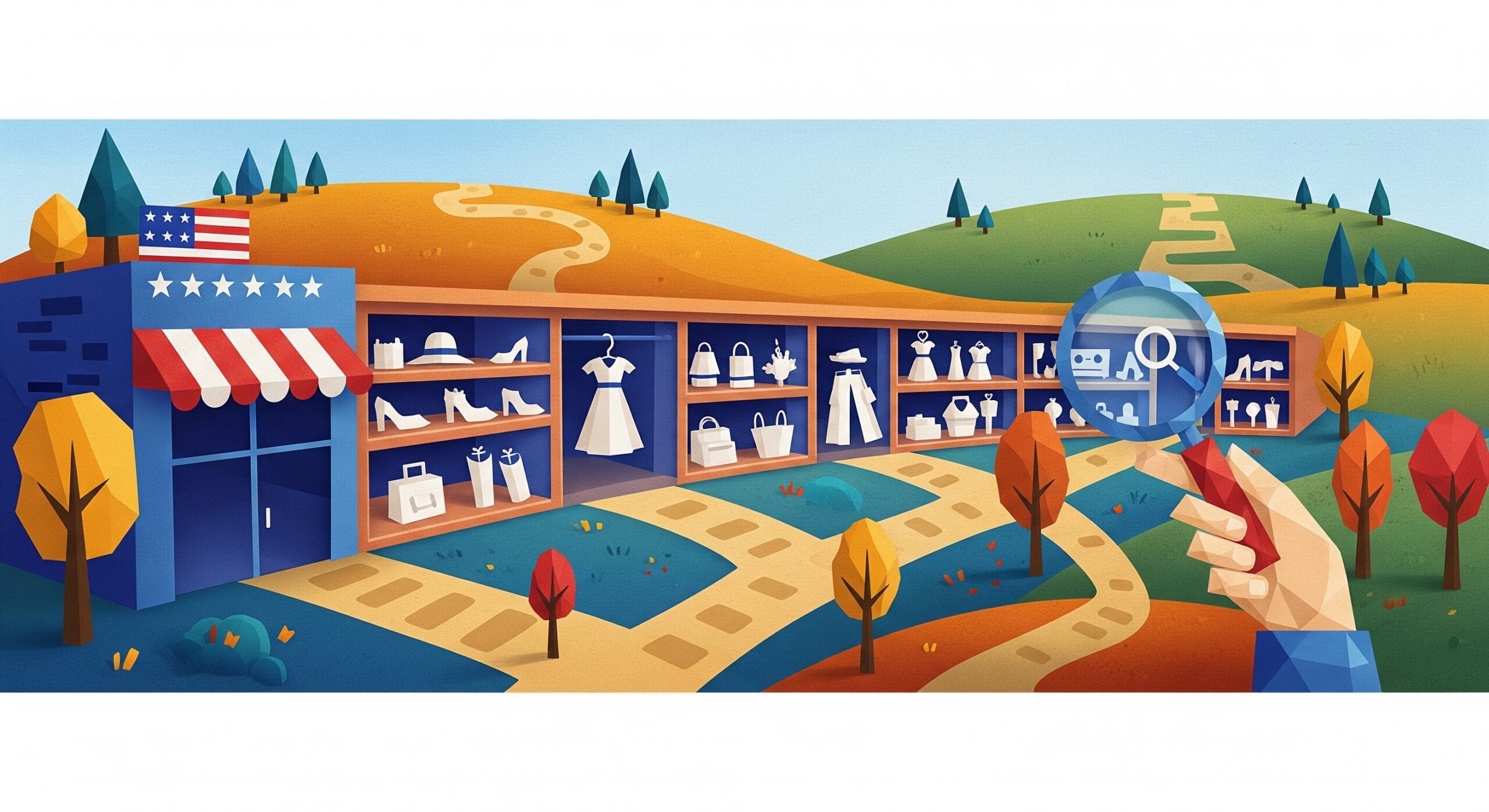
Category pages often get treated like the forgotten middle child of ecommerce SEO – not as glamorous as the homepage, not as detailed as product pages. That’s a massive mistake. These pages drive 48% of organic ecommerce traffic for most stores, yet they get maybe 10% of the optimization effort. The math doesn’t add up.
What Is a Category Page in E-commerce?
A category page is the digital aisle of your online store. It groups products under a shared theme, like “men’s sneakers”, “laptops”, or “skincare”, so shoppers can browse, compare, and filter items without digging through individual product pages.
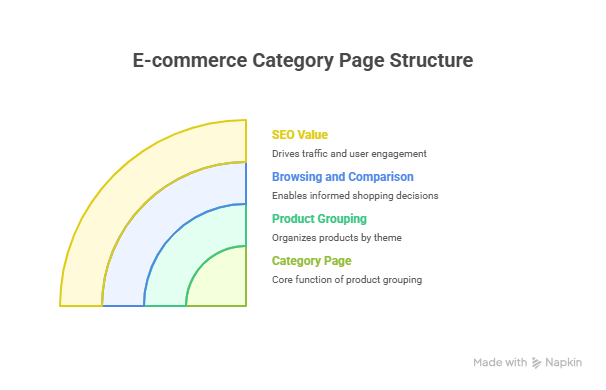
Think of it as the bridge between your homepage and your product pages. For SEO, it’s one of the highest-value page types you have, because it targets broad, high-volume keywords and guides users deeper into the buying journey. Now, let’s dive into the best seo practice for category pages.
Essential SEO Best Practices for Category Pages
Your category pages are doing double duty. They need to rank for high-volume head terms while also distributing link equity throughout your site architecture. Most stores nail one and completely botch the other. Here’s how you handle both without breaking a sweat.
1. Optimize Title Tags and Meta Descriptions
Forget everything you learned about cramming keywords into title tags. The game changed when Google started rewriting 61% of them anyway. Your title needs to match search intent first and include keywords second. For a “women’s running shoes” category, don’t write “Women’s Running Shoes | Athletic Footwear | YourStore”. That’s robotic garbage.
Write something people actually click: “Women’s Running Shoes – 127 Models from Nike, Adidas & More”. See the difference? One tells Google what the page is about. The other tells humans why they should care. The number gives specificity (people love knowing exactly what they’re getting), and the brand mentions build trust instantly.
Meta descriptions work the same way. Skip the keyword stuffing and write a mini sales pitch in 155 characters. Include a benefit, a number, and a soft CTA. Something like: “Find your perfect running shoes from 127 women’s models. Free shipping on orders over $50. Shop Nike, Adidas, Brooks and more top brands.”
2. Create Unique Category Page Content
The biggest sin in ecommerce category page SEO? Those pathetic 50-word blurbs at the top that nobody reads. “Welcome to our selection of women’s dresses. We have many styles and colors to choose from.” Kill me now.
Your category content needs substance without turning into War and Peace. Aim for 250-400 words that actually help shoppers make decisions. Think buying guide meets FAQ meets subtle sales pitch. Here’s what actually works:
- Open with the main problem this category solves
- Hit 2-3 key decision factors (size, material, use case)
- Drop in social proof or authority signals
- Close with a clear next step
But here’s the kicker – split this content above and below the fold. Put 100-150 words up top for Google and users who want context. Stick the rest below your product grid for the research junkies. Everyone wins.
3. Implement Strategic Internal Linking
Internal linking from category pages is like compound interest – the effects multiply over time, but most people quit before seeing results. You’re sitting on a goldmine of linking opportunities. Use them.
Start with breadcrumbs (obvious but often broken). Then link to related categories in your intro content. Not just “Shop our dresses” but contextual links like “pair with our leather jackets for an edgy look”. Finally, add a “related categories” section at the bottom. Think of it as Netflix recommendations for shopping.
“The fastest way to boost category page authority? Stop hoarding PageRank on your homepage. Distribute it strategically through smart internal linking.”
4. Structure URLs for Maximum Impact
Your URL structure is set in stone once Google indexes it. Get it wrong and you’re stuck with redirects forever. Get it right and you’ve built a foundation that scales.
Keep it simple: domain.com/category/subcategory. No dates, no session IDs, no parameter soup. Just clean, descriptive paths. “yourstore.com/womens/shoes/running” beats “yourstore.com/products?cat=12&type=shoes&gender=f” every single time.
What about product count in URLs? Skip it. “running-shoes-127-products” becomes outdated the second you add item 128.
5. Use Schema Markup for Rich Snippets
Schema markup is free real estate in the SERPs, yet 70% of ecommerce sites don’t use it properly on category pages. It’s like leaving money on the table, especially when powerful ecommerce schema markup can dramatically improve your rich results.
At minimum, implement:
- CollectionPage schema – tells Google this is a category
- BreadcrumbList – shows your site hierarchy in SERPs
- AggregateRating – if you have product reviews
- Product schema – for featured items
The payoff? Rich snippets that make your listings twice as large as competitors. Price ranges, ratings, availability – all visible before anyone clicks.
Technical Optimization Strategies
Technical SEO for category pages is where good stores become great ones. These aren’t sexy optimisations, but following essential ecommerce technical SEO practices can dramatically improve crawlability and performance. Nobody brags about pagination handling at parties. But this stuff moves the needle more than any content tweak ever will.
Improve Page Load Speed
Every second of load time costs you 7% in conversions. For category pages showing dozens of product images, that math gets ugly fast. The solution isn’t complicated; it just requires discipline.
Lazy load everything below the fold. Compress images to 80% quality (humans can’t tell the difference, but your server can). Use WebP format with JPEG fallbacks. And here’s one most miss: preload your above-the-fold images. That half-second head start makes the entire page feel faster. Read more about e-commerce image optimisation.
| Speed Factor | Impact | Quick Fix |
|---|---|---|
| Image Size | 40-60% of load time | WebP + lazy loading |
| JavaScript | 20-30% of load time | Defer non-critical scripts |
| Server Response | 10-20% of load time | CDN + caching |
Handle Pagination Properly
Pagination is where ecommerce category page optimization gets tricky. You’ve got three options, and two of them suck. Most stores use rel=prev/next (deprecated since 2019) or noindex page 2+ (kills valuable content). Both are wrong.
The answer? View-all pages when possible, infinite scroll with proper URL updates when not. If you must paginate, use self-referencing canonicals and let Google figure it out. They’re smarter than you think. Just make sure your pagination URLs are crawlable and don’t create duplicate content issues.
Optimize for Mobile Experience
62% of your category page traffic is thumbing through products on a phone screen the size of a Pop-Tart. Yet most mobile category pages are desktop designs that got shrunk down. That’s backwards.
Design mobile-first. Two products per row maximum. Filters that collapse into a hamburger menu. Touch targets at least 48px. And please – PLEASE – make your “Add to Cart” buttons actually tappable without zooming. Sound basic? Visit ten random stores on your phone. Half will fail these simple tests.
Manage Faceted Navigation
Faceted navigation creates infinite URL combinations. Red, size 8, cotton, under $50 – suddenly you’ve got thousands of near-duplicate pages competing with your main category. Google hates this. Your crawl budget hates this. Your rankings definitely hate this.
The fix requires brutal prioritization. Only create indexable URLs for facets with real search volume. Everything else gets handled with JavaScript or URL parameters that you block in robots.txt. Yes, this means telling Google to ignore 90% of your filter combinations. That’s the point.
Think about it like a closet. You don’t need a separate hanger for every possible outfit combination. You need hangers for the outfits you actually wear.
Maximizing Your Category Page Performance
After optimizing hundreds of category pages, one truth keeps surfacing: the stores that win don’t do everything perfectly. They just do the important things consistently. Your ecommerce category page design doesn’t need to be revolutionary. It needs to load fast, answer questions, and get people to products quickly.
Start with title tags and page speed – those give immediate wins. Layer in content and schema markup once the basics are solid. Save the fancy faceted navigation fixes for when you’re already ranking on page one.
The real secret? Test everything against actual behavior, not best practices. What works for Amazon might tank your conversions. What seems logical might confuse your specific audience. The only truth is in your data.
FAQs
How often should I update my ecommerce category page content?
Refresh your category content quarterly at minimum, monthly if you’re in a seasonal business. But don’t change for change’s sake. Update when you have new products, customer insights, or seasonal angles. That Black Friday content from November shouldn’t still be live in March.
What’s the ideal number of products to display per category page?
Show 24-48 products on desktop, 12-24 on mobile. Anything less feels thin. Anything more creates decision paralysis and murders page speed. The sweet spot lets shoppers scan options without scrolling forever. Also remember – you can always offer a “view more” option.
Should I noindex paginated category pages?
No. This outdated advice kills valuable long-tail rankings. Use self-referencing canonicals on each paginated page instead. Let Google crawl and index them all. They’re smart enough to understand pagination in 2024. Noindexing is admitting defeat.
How do I optimize category pages for voice search?
Voice search for category pages means targeting question-based queries. “Where can I buy running shoes?” not just “running shoes”. Add an FAQ section with natural language questions. Include location-based terms if you have physical stores. Voice searchers want immediate answers, so front-load your key information.
What’s the difference between category listing pages and product listing pages?
Category pages organize products by type (shoes, dresses, laptops). Product listing pages (PLPs) show filtered results from searches or specific attributes. Categories are your permanent architecture. PLPs are dynamic and often shouldn’t be indexed unless they target specific search terms. Think of categories as your store’s departments and PLPs as temporary displays.

Ridam Khare is an SEO strategist with 7+ years of experience specializing in AI-driven content creation. He helps businesses scale high-quality blogs that rank, engage, and convert.



