
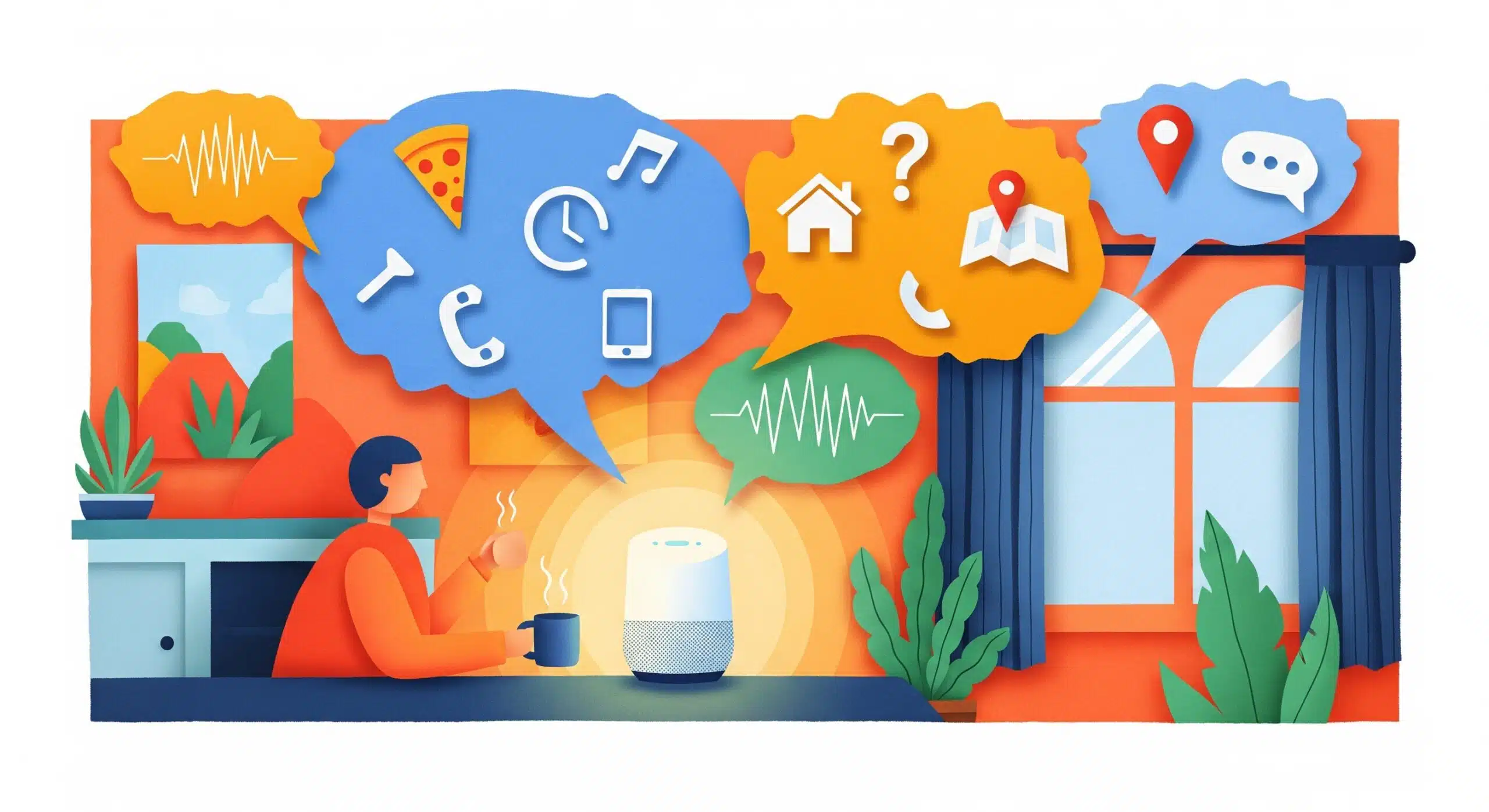
Everyone talks about voice search like it’s the future. News flash: 40% of adults already use voice assistants daily, and they’re probably not finding your content. The standard SEO playbook – stuffing keywords and chasing backlinks – falls apart completely when someone asks Alexa a question at 7 AM while making coffee.
Proven Voice Assistant Content Optimization Techniques
Voice search optimization isn’t about tweaking what you have. It’s about rethinking how people actually talk to machines. Your perfectly crafted H1 tags mean nothing when someone mumbles “Hey Google, what’s the best pizza place open right now near me” into their phone.
1. FAQ Schema and HowTo Schema Implementation
Here’s what drives me crazy: marketers spending months on keyword research while ignoring the goldmine of actual questions their customers ask. FAQ schema isn’t just another technical checkbox. It’s your direct line to voice assistant responses.
Start with your customer service tickets and chat logs and recorded sales calls and support emails. Pull out every single question. The weird ones especially. That oddly specific question about return policies for opened products during holiday weekends? That’s voice search gold.
| Schema Type | Best For | Voice Assistant Priority |
|---|---|---|
| FAQ Schema | Direct questions about products/services | High (Google Assistant) |
| HowTo Schema | Step-by-step instructions | Medium (Alexa Skills) |
| Q&A Schema | Community-driven answers | Low (Siri fallback) |
But here’s the catch. Google wants your FAQ answers to be 29 words or less for voice responses. Twenty-nine words. Try explaining anything meaningful in that space (like I just did in exactly 29 words).
2. Conversational Long-Tail Keyword Strategy
Forget your two-word keyword targets. Voice searches average 4-6 words minimum, and they sound nothing like typed searches. Nobody says “best restaurant NYC” to their phone. They ask “where should I take my parents for dinner in Manhattan tonight?”
The trick? Write how people talk when they’re slightly confused. Include the stammers, the clarifications, the context. Your content needs phrases like:
- “What’s the difference between…”
- “How much does it typically cost to…”
- “Do I really need to…”
- “What happens if I don’t…”
Track your voice search performance through Search Console’s performance report – filter for queries over 5 words. That’s where your voice traffic lives.
3. Local Voice Search Optimization with Google Business Profile
Listen, 58% of voice searches have local intent. Fifty-eight percent. And most businesses have Google Business Profiles that look like they were abandoned in 2019.
Your GBP (that’s Google Business Profile for the uninitiated) needs obsessive attention to three things: your Q&A section, your posts, and weirdly enough, your photos. Google’s AI scans your images for context about your business. That picture of your Tuesday taco special? Label it properly.
“Near me” searches have grown 150% faster than regular local searches, and 76% of those come from voice assistants.
Update your business description to answer the question: “What makes you different from the place down the street?” Do it in one sentence. That’s what Siri will read.
4. Featured Snippet Content Structuring
Featured snippets are voice search responses 87% of the time. Let that sink in. Nearly nine out of ten voice answers come from position zero, not position one.
The formula is stupidly simple:
- State the question clearly (use an H2 or H3)
- Answer immediately in the next paragraph
- Keep that paragraph between 40-60 words
- Follow with supporting details
Sounds easy, right?
Wrong. The real challenge is making that 40-60 word answer complete enough to be useful but concise enough for a voice assistant to read without putting someone to sleep. I’ve rewritten single paragraphs seventeen times to hit this sweet spot.
5. Mobile-First Page Speed Enhancement
Voice searches happen on mobile devices 72% of the time, usually when someone’s hands are busy. Your three-second load time? Too slow. Voice assistants prioritize pages that load in under 1.5 seconds.
Honestly, just fix your images first. Everything else is secondary. Run your site through GTmetrix at 3G speed. Whatever breaks, fix that. Core Web Vitals matter, but for voice search, raw speed beats everything.
Advanced Schema Markup Strategies for Voice Search
Schema markup for voice search isn’t the same as regular schema. Voice assistants look for specific structured data types that explicitly tell them “this content is meant to be spoken aloud.”
Speakable Schema Implementation for News Content
Speakable schema is Google’s way of marking content for voice delivery. Most publishers ignore it because implementation seems complex. Here’s the truth: you only need to mark 2-3 key sentences per article.
The markup looks intimidating but it’s basically telling Google “read this part out loud”:
{

  "@type": "Article",

  "speakable": {

    "@type": "SpeakableSpecification",

    "cssSelector": [".voice-summary", ".key-point"]

  }

}
Mark your article’s main point, not your introduction. Voice assistants skip pleasantries.
Product Schema for Voice Commerce Queries
Voice commerce queries exploded 400% last year, yet most product pages still use basic schema. When someone asks Alexa about your product, she needs five specific data points: price, availability, review rating, brand, and the killer feature that sets you apart.
Don’t bury the lead in your product description. That first sentence matters more than the next paragraph combined. “This bluetooth speaker floats in pools and glows in the dark” beats any technical specification list.
Event and Local Business Schema Configuration
Event schema for voice requires different thinking. Include the “what’s happening” before the “when it’s happening.” Voice users ask “what’s going on this weekend” not “what events are on Saturday at 7 PM.”
Your local business schema needs these fields filled (most sites skip half):
- priceRange (use dollar signs: $$)
- servesCuisine (for restaurants)
- amenityFeature (parking, wifi, wheelchair access)
- paymentAccepted (critical for “do they take Apple Pay” queries)
JSON-LD Format Best Practices
Microdata is dead for voice search. JSON-LD wins because voice assistants can parse it without crawling your entire page. Place it in your document head, not scattered through your HTML like breadcrumbs.
Test everything twice – once in Google’s Rich Results Test and once actually asking your phone. You’d be amazed how often schema validates perfectly but sounds ridiculous when spoken aloud. “Operating hours: 09:00 to 17:00” becomes “nine colon zero zero to seventeen colon zero zero.” Fix that.
Implementing Your Voice Assistant Content Strategy
Start with one thing: your highest-traffic page. Just one. Optimize content for voice assistants on that single page, measure the results for 30 days, then expand. Most teams try to overhaul everything at once and end up shipping nothing.
The metrics that actually matter? Direct answers in voice search results (check this by literally asking your phone), featured snippet captures, and mobile organic traffic from queries over 5 words long. Everything else is vanity.
Remember this: voice search isn’t killing traditional SEO. But ignoring it while your competitors adapt? That’s the real killer. The companies winning at voice search aren’t doing anything magical. They’re just answering questions the way humans actually ask them.
What’s your next move?

Ridam Khare is an SEO strategist with 7+ years of experience specializing in AI-driven content creation. He helps businesses scale high-quality blogs that rank, engage, and convert.



